Make anything: From an idea to a finished film, in one place.
Film, live edits, swaps, stills, sound, 3D and whole pipelines. Each tile opens the studio that makes it.


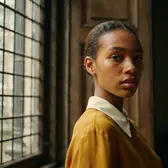

Rendered locally on ComfyUI, on one RTX 5090.Every preview on this page was rendered locally on ComfyUI, on one RTX 5090.
A complete AI studio. Open source.
Pictures, video, sound and 3D on 150+ open models, running on your own GPU.

Change it as you type
Type a change and watch the picture follow, then keep adding to the words. Nothing blurs, however many changes you make.
- Live frames as you type, on your own GPU
- One prompt that keeps growing, always on your original
- Undo a change, or start fresh from the picture
A 3D body double for everyone in the shot
Every person in a photo or a clip becomes their double, clothes and hair included, with a full 3D body you can animate. Or go live with your camera, right in the browser.
- Everyone in a photo, clothes and hair included
- Motion capture from a clip, as an animated 3D file
- Live from your camera, in the browser
Camera motions
See all 108Moves a film crew would make: orbits, drone dives, crash zooms. Mix any two.





Effects
See all 255Add one photo and get the shot: storms, blooms, flares, floods.


Apps
See all 134One click changes one thing and keeps the rest.



Studios and tools
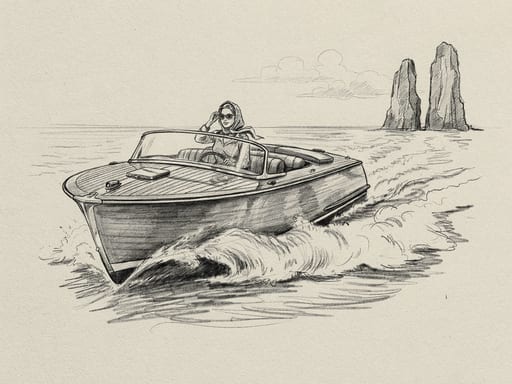
See all 23 studiosWhole productions, start to finish: films, ads, shoots and series. Open any of them to look around, no account needed.


Also in Fuobe
On your own Fuobe
Assist runs the whole job
Describe the job in one message. Assist picks the models, shows the plan and what it costs, and runs every step when you say go.
- Plans every step and prices it first
- Checks each result before the next step
- 22 built-in skills, projects and memory
- Scheduled tasks, with a cost cap
- Works with your other tools
Plans with the AI you choose, online or on your own computer.
Run your own FuobeAsk it things like
“A 3-shot ad for a gold watch on a model's wrist on a Lake Como terrace — hero still, then animate it”
“Four moody portraits of a model in a black velvet suit, 35mm film, then pick the best and animate it”
“Storyboard a 6-frame escape from a Venice masquerade ball at midnight”
“A 10-second vertical video of a model in a red silk gown running through falling snow at night, with sound”
Skills it starts from
Open source, all the way down
The code is MIT-licensed. Every open model comes with its ComfyUI workflow, its files and its licence, and runs on your own GPU.
- 150open-source models and tools
- 276ComfyUI workflows to read, run and change
- 22Fuobe Originals
- 497presets: apps, camera motions and effects
Just added
Your GPU. Your models. Your files.
No account to look around. A free account to run. Your own server if you want all of it.
- 1
- 2
- 3
Connect your ComfyUI.
Use the ComfyUI on your computer, or one you reach by link. Fuobe shows you everything it can run.
Or run all of Fuobe yourself
MIT licence. Your keys, settings and work stay on your machine.
git clone https://github.com/workingprototype/fuobe.git && cd fuobe
pnpm install
pnpm dev
On Windows, start.bat installs and starts everything.